Keeping Digital Classrooms Safe: What Schools Should Know About Monitoring Their Cloud Platforms
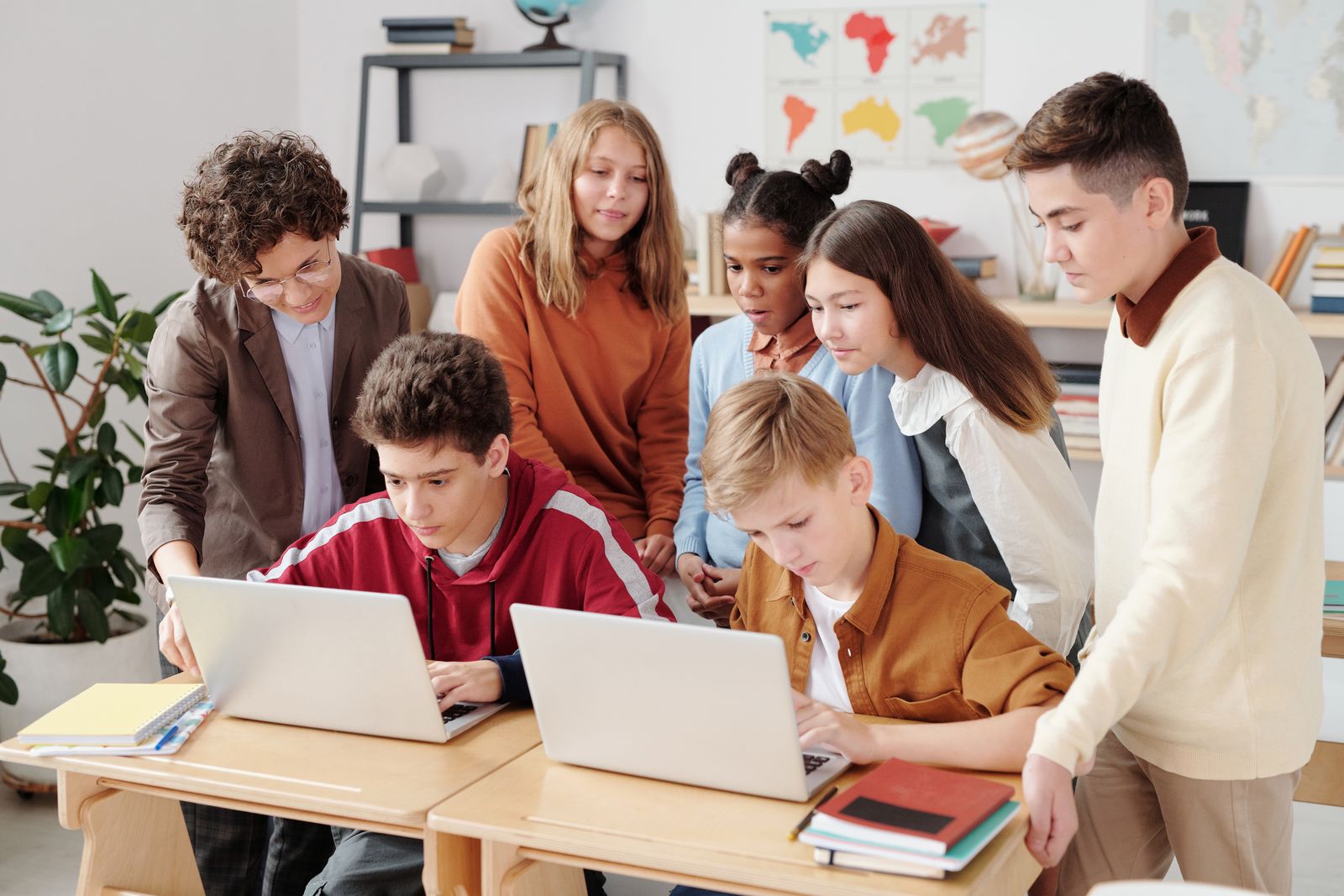
Education has moved to the cloud. Lessons run on video calls, homework is submitted through shared drives, grades live in online gradebooks, and entire school communities collaborate in platforms such as Microsoft 365 Education or Google Workspace for Education. This shift has opened remarkable opportunities for teaching and learning – but it has also made every school responsible for something new: the health and safety of its digital learning environment. Just as schools maintain their physical classrooms, they now need to look after their virtual ones. This article explains why occasional IT check-ups are not enough in an educational setting, what continuous monitoring means in practice, and how schools can build a safer digital space for students and teachers alike.
Why a Once-a-Semester IT Check Is Not Enough
Many schools still approach their IT environment the way they approach a fire drill: an occasional, scheduled exercise. The IT coordinator reviews accounts before the school year starts, checks permissions after the winter break, and that is often it. The problem is that a school's cloud environment changes every single day. New students enroll and others leave, teachers create shared folders for projects, parents receive guest access to communication channels, and external tutors or exam platforms are connected to the system.
Each of these small, routine changes can quietly create risk. A class folder shared “with anyone with the link” may expose student essays – or personal data – to the open internet. A former staff member's account that was never deactivated remains a door into the school's systems. A permission granted for a one-week project can linger for years. None of these issues announce themselves, and a snapshot review once or twice a year will almost always miss them. In a setting where the data belongs to minors, the stakes of missing them are considerably higher than in a typical business.
Overwhelmed by all the options?
We built a grade-by-grade planner that shows you exactly what to cover — and which resources match your style.
Download the planner →What Continuous Monitoring Means in a School Environment
Continuous monitoring is the practice of keeping an always-on, automated eye on what is happening inside a cloud platform. In an educational context, it rests on three pillars:
- Activity monitoring. Tracking sign-ins, file sharing, and unusual behaviour helps schools spot problems early: a student account logging in from another continent at 3 a.m., a sudden mass download of documents, or files being shared outside the school domain. For safeguarding teams, these signals matter as much as anything happening in the corridor.
- Configuration drift detection. Schools are legally required to protect student data under regulations such as GDPR in Europe or FERPA in the United States. Monitoring detects when settings drift away from the safe baseline – for example, when external sharing gets switched on for a group that handles sensitive records – so the IT team can fix it before it becomes a data protection incident.
- Service health monitoring. When the platform goes down, learning stops. Keeping an eye on service availability and performance means fewer interrupted lessons, smoother online exams, and less lost teaching time.
Practical Steps for Schools and School IT Teams
For most schools, the path to a healthier digital classroom starts with visibility. IT teams managing Microsoft 365 Education tenants can use a dedicated Microsoft 365 monitoring tool to keep continuous track of user activity, configuration changes, and service health across the whole school environment – with real-time alerts when something needs attention, instead of discovering problems months later during an audit.
Technology, however, is only half of the lesson plan. Continuous monitoring works best when it is paired with digital education for the whole school community: teaching students how to share files responsibly, showing teachers how to set up class spaces safely, and making sure staff know whom to contact when something looks wrong. In this sense, a monitored school platform becomes a teaching opportunity in itself – a living example of the digital citizenship skills that modern curricula aim to build.
Conclusion
A safe digital classroom is now as fundamental to education as a safe physical one. One-off checks belong to an era when school IT meant a single computer lab; today's cloud-based schools need continuous, automated oversight of their platforms. By combining always-on monitoring with digital literacy education, schools can protect student data, keep lessons running without interruption, and model the responsible use of technology they hope to teach.
Learnamic Weekly Picks
Get handpicked learning resources, curriculum comparisons, and money-saving finds delivered to your inbox every week. Join thousands of homeschool families.
No spam, ever. Unsubscribe anytime.