How Students Can Stay Safe and Private When Learning Online
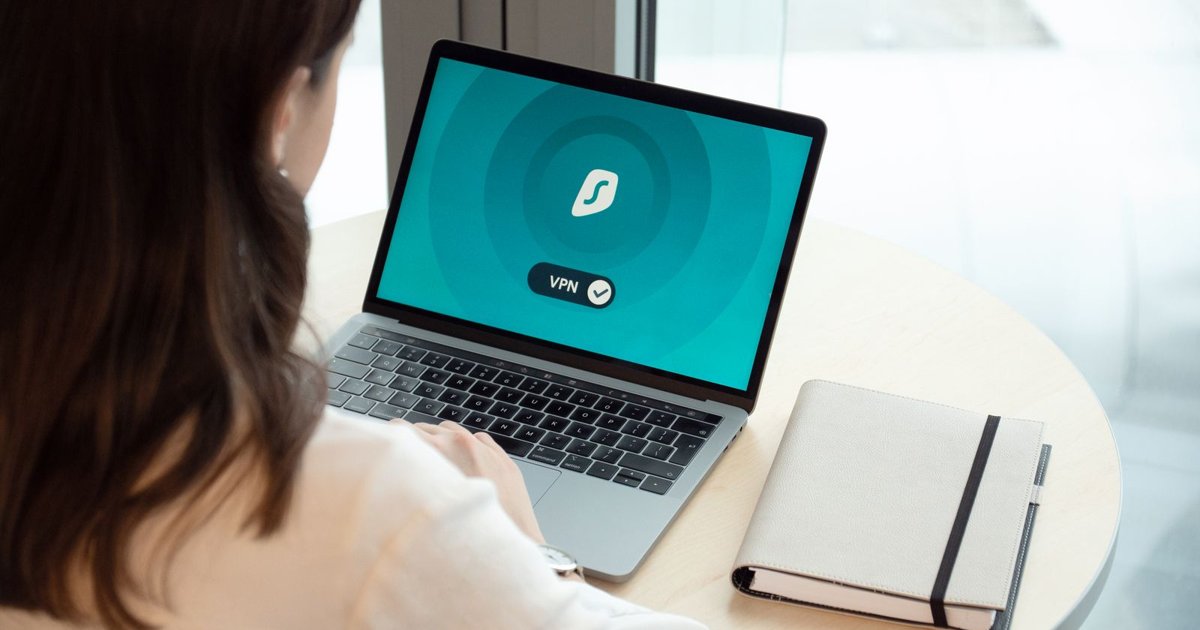
Online classes stopped being a backup plan a while ago. Lectures, group chats, quizzes, even office hours: everything now lives on a screen. Handy? Absolutely. But your name, grades, location and daily habits are now spread across a dozen platforms, and most students never ask who can see them. This guide covers the real risks and the small habits that shrink them. No tech degree needed.
Why Student Data Attracts Attackers
Schools and universities store IDs, home addresses, emails and sometimes payment details. Students add to the pile by reusing passwords and clicking fast. Younger people aren't safe from scams either. FTC data from 2021 showed that 44% of people in their twenties who reported fraud said they lost money, compared with 20% of people in their seventies. Confidence online can be a weakness.
Public Wi-Fi: Convenient, Not Private
Campus cafés, libraries, dorm lounges, train stations. Students hop between open networks all day, and on many of them, other people on the same connection can try to peek at what you send. Logging into your learning portal over a shaky hotspot is a bit like reading your grades aloud on a crowded bus.
Want the full checklist for this grade?
We put together a complete K-12 curriculum planner with every subject milestone, matched to your teaching style.
Grab it free →That's where VPN apps come in. A good one encrypts your traffic before it leaves your device, so a stranger on the same Wi-Fi sees only scrambled data. If you're curious how this works in practice, you can explore VeePN features and decide whether it fits the way you study. Just skip the sketchy "free" tools that make money by selling your browsing history. While VeePN actually protects the user, those unreliable providers simply profit from tracking you.
Passwords: Still the Front Door
Weak passwords remain the easiest way in. If your email, student portal and streaming account share one password, a leak at one place opens all three. Use a password manager and build long passphrases. Four random words beat "P@ssw0rd1" every time. And don't hand your logins to classmates, even close friends.
Then turn on two-factor authentication. Microsoft has said that multi-factor authentication can block over 99.9% of account compromise attacks. When you get the choice, an authenticator app is safer than a text message, because texts can be intercepted or redirected.
A Quick Safety Checklist
Screenshot it, print it, stick it above your desk:
- Lock your screen whenever you step away, even at home.
- Use a different password for every account.
- Turn on two-factor authentication, starting with your email.
- Install updates when your device asks.
- Check the web address before typing a login.
- Log out of shared or library computers.
- Back up essays and projects once a week.
How to Spot Phishing Messages
Fake emails pretending to be from "the registrar" or "IT support" love deadlines. Account suspended in 24 hours! Pay a fee now! Real schools rarely work that way. Look closely at the sender's address, hover over links before you click, and never open attachments you weren't expecting.
Video Calls, Cameras and Proctoring Software
Every live class asks for a camera and a microphone. Cover the lens when you're not using it, blur your background, and check what your screen is showing before you share it. Nobody needs to see your open banking tab.
Online exams add another layer. Some proctoring tools record video, scan your room and collect device data. Read the privacy notice before you click "I agree," and ask your instructor how long recordings are kept. You have every right to know.
Check App Permissions on Your Phone
Study apps often ask for more than they need. A flashcard tool wanting your contacts? A note-taking app asking for your location? Odd. Go to your phone settings, review what each app can access, and switch off anything that doesn't make sense. Delete apps you haven't opened in months, since forgotten apps keep collecting data quietly in the background.
Keep Your Devices Updated
Updates feel annoying, we know. But many of them patch security holes that criminals already know about, which makes old software an open invitation. Turn on automatic updates and restart when asked. If you study on a Windows laptop, installing VeePN from the Microsoft Store is a simple way to add another layer of protection without hunting around random download sites. At the same time, Windows' built-in security tools can handle the basics alongside it.
Think Before You Post
Your digital footprint sticks around. A CareerBuilder survey found that roughly seven in ten employers check candidates' social media before hiring. That joke from freshman year? Still searchable. Set your profiles to private, turn off location tagging, and skip posting your timetable or your dorm address. Strangers don't need a map of where you'll be on Tuesday at 10 a.m.
Shared Documents and Group Projects
Group work means shared links. Set permissions to "specific people" instead of "anyone with the link," and remove access once the project ends. Use your university account for coursework and keep your personal email for personal things, so school stuff and private life stay in separate boxes.
Also, never send photos of your student ID or passport through group chats. If someone really needs a document, ask them to request it through an official channel.
Final Thoughts
Staying private online isn't about paranoia. It's about a handful of boring habits repeated every day: strong passwords, careful clicks, encrypted connections and a healthy dose of doubt. Pick two or three tips from this article today, then add the rest over the next month. Your future self will thank you.
Learnamic Weekly Picks
Get handpicked learning resources, curriculum comparisons, and money-saving finds delivered to your inbox every week. Join thousands of homeschool families.
No spam, ever. Unsubscribe anytime.